
Beepsi
An app for finding a place to work outside the home: cafés and spaces with good wifi, outlets and quiet hours, booked in a couple of taps. A product taken from brand to MVP.
Remote work got rid of the commute, but it raised a new question: where do I work today? It’s hard to focus at home, and heading out to find a café is a gamble. You don’t know if the wifi will hold up, if there will be a free outlet, or if it will get noisy at 3 pm.
Beepsi answers that question before you leave. It shows nearby places that match what you need, lets you book a table, and sends you the wifi password before you arrive.
The answer fits in a single flow:
From “Where?” to “Booked”
Beepsi isn’t a café directory. It’s a short flow with one goal: getting you to a place where you can work. Each screen answers one question: what’s nearby, will the wifi hold up, when is it quiet, how much do I need to spend, and will they hold my table?
No office? No problem.
Beepsi finds you a place to work.

Brian, the presentation’s due tomorrow and I can’t get anything done at home 😩 Where should we meet?
Don’t worry, I’ll find us a spot on Beepsi. We need about 3 hours, right?

Yeah, at least. And good wifi, we have to upload the videos.
Turning on my location to see what’s nearby…
Wow, tons of results. Let me set my preferences first.
Going to my profile…
Strong wifi, afternoon hours, and it has to be a café.
Watch the budget, nothing too pricey! 😅
Low minimum spend, and a short search radius.
In Settings I’m turning on spot alerts and location sharing, so I can ping you right away.
Done. Now we’re talking: a few minutes away there are several 👇
Pinning them on the map for you.
Starbucks on Plaza Mayor: strong wifi and a plug at almost every table. Sharing it, can you confirm?
Perfect! That one works great for me.
Booking today, 3 to 6 pm. Right when the quiet hours start 🤫
Booked! Sending you the code and the wifi password ☕
You’re the best! 🙌 See you at 3.
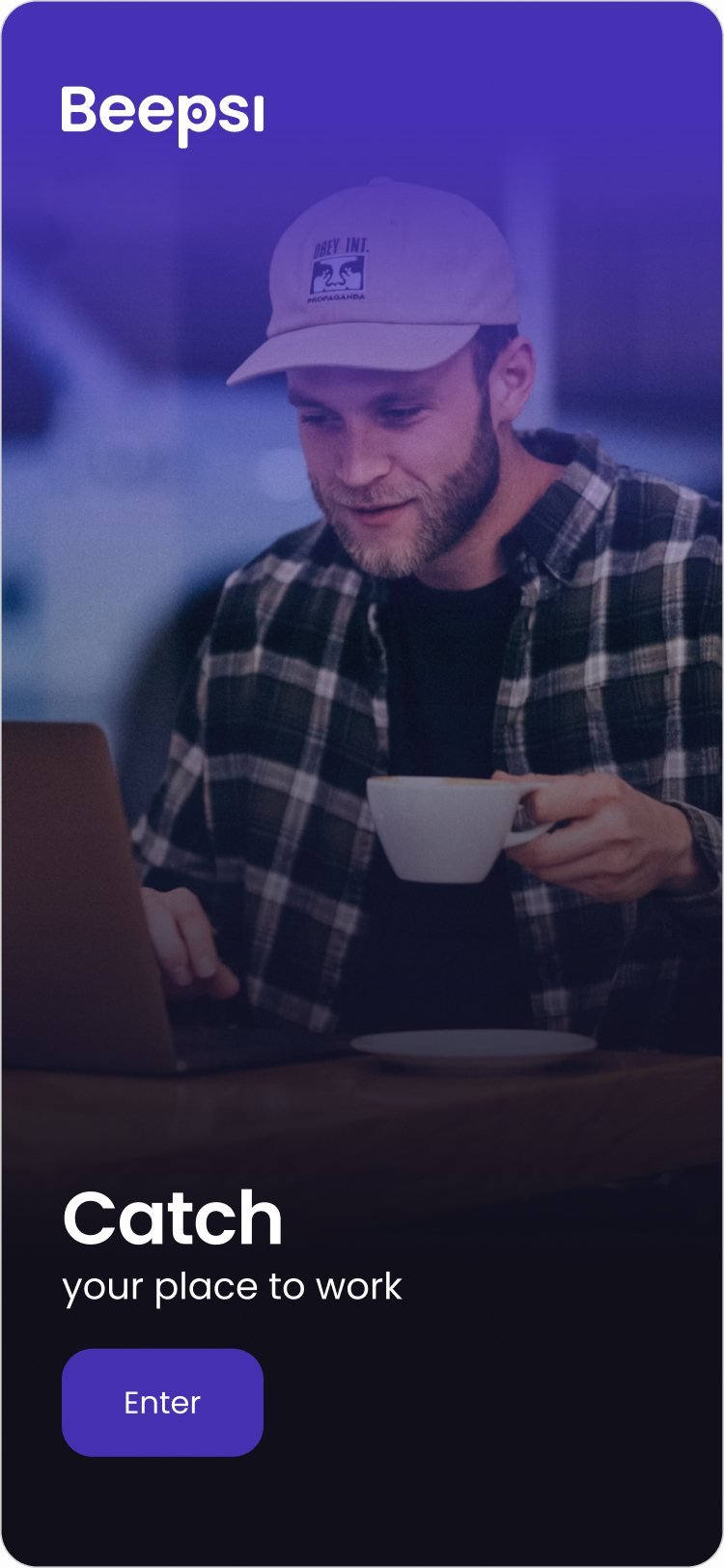
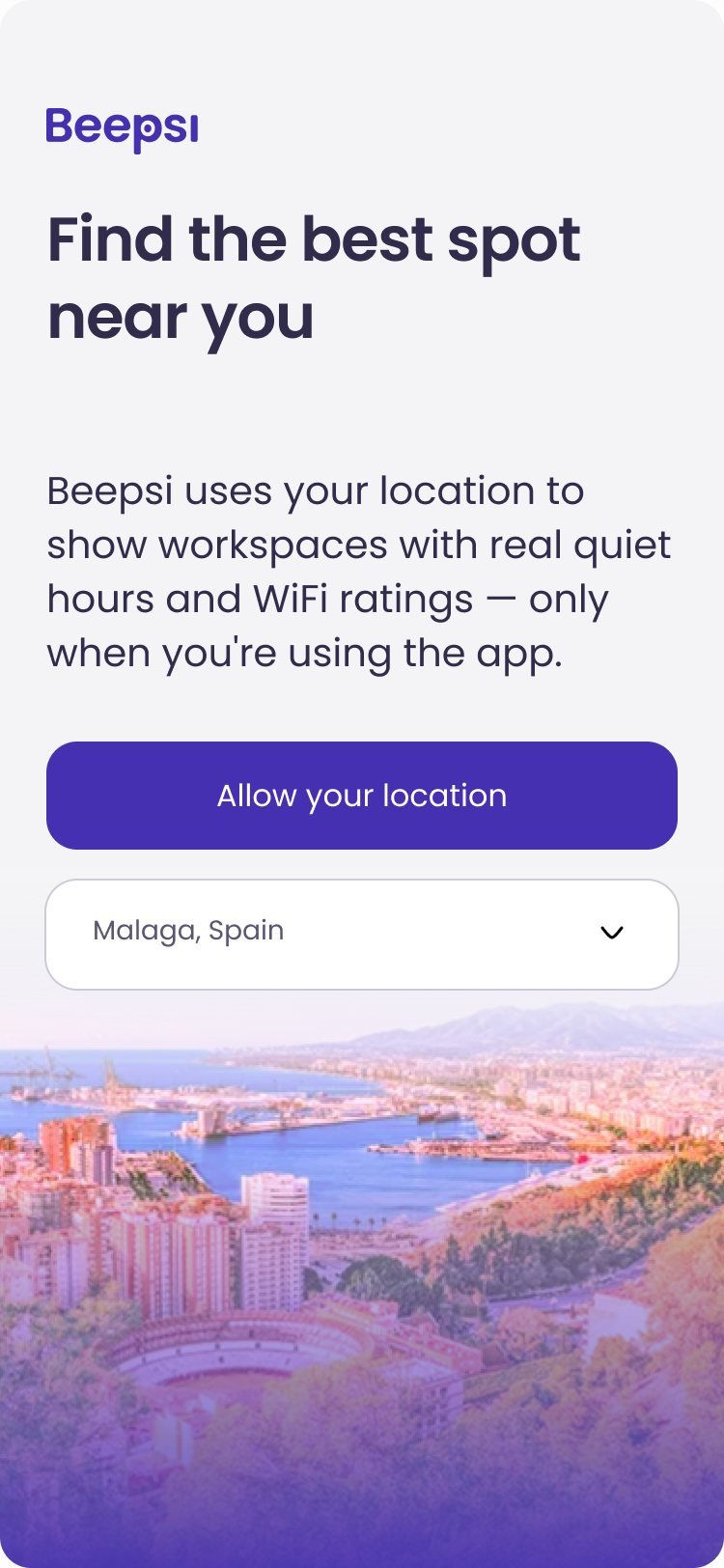
Information Architecture
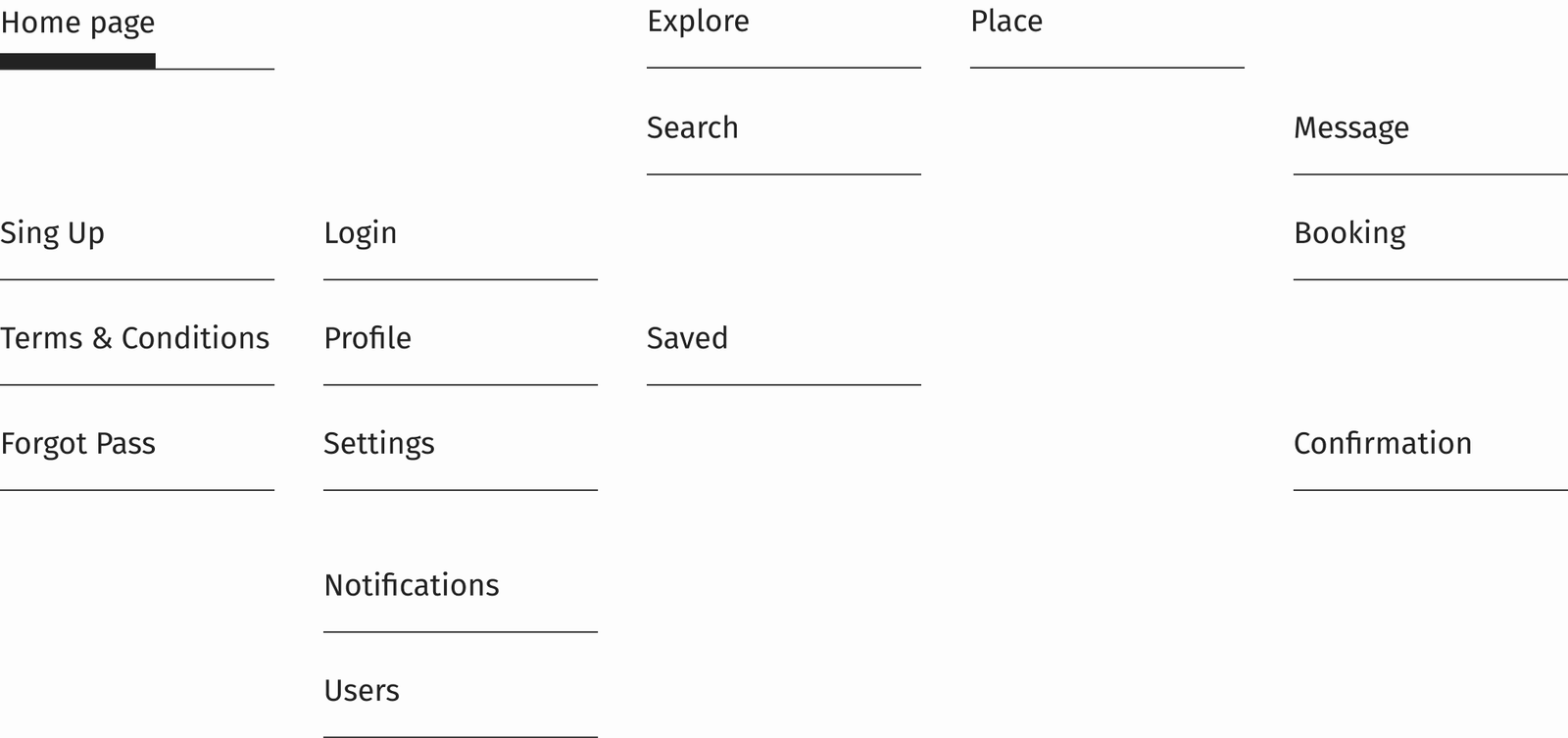
16 screens in four groups: access (sign up, log in, password recovery), account (profile, settings, notifications), discovery (explore, search, saved, place) and booking (messages, booking, confirmation).
Wire Flow
13 wireframes, from the landing to the confirmation. There are three ways to find a place (close to you, on the map or by search), and all three lead to the same detail and the same booking.

Built from the System
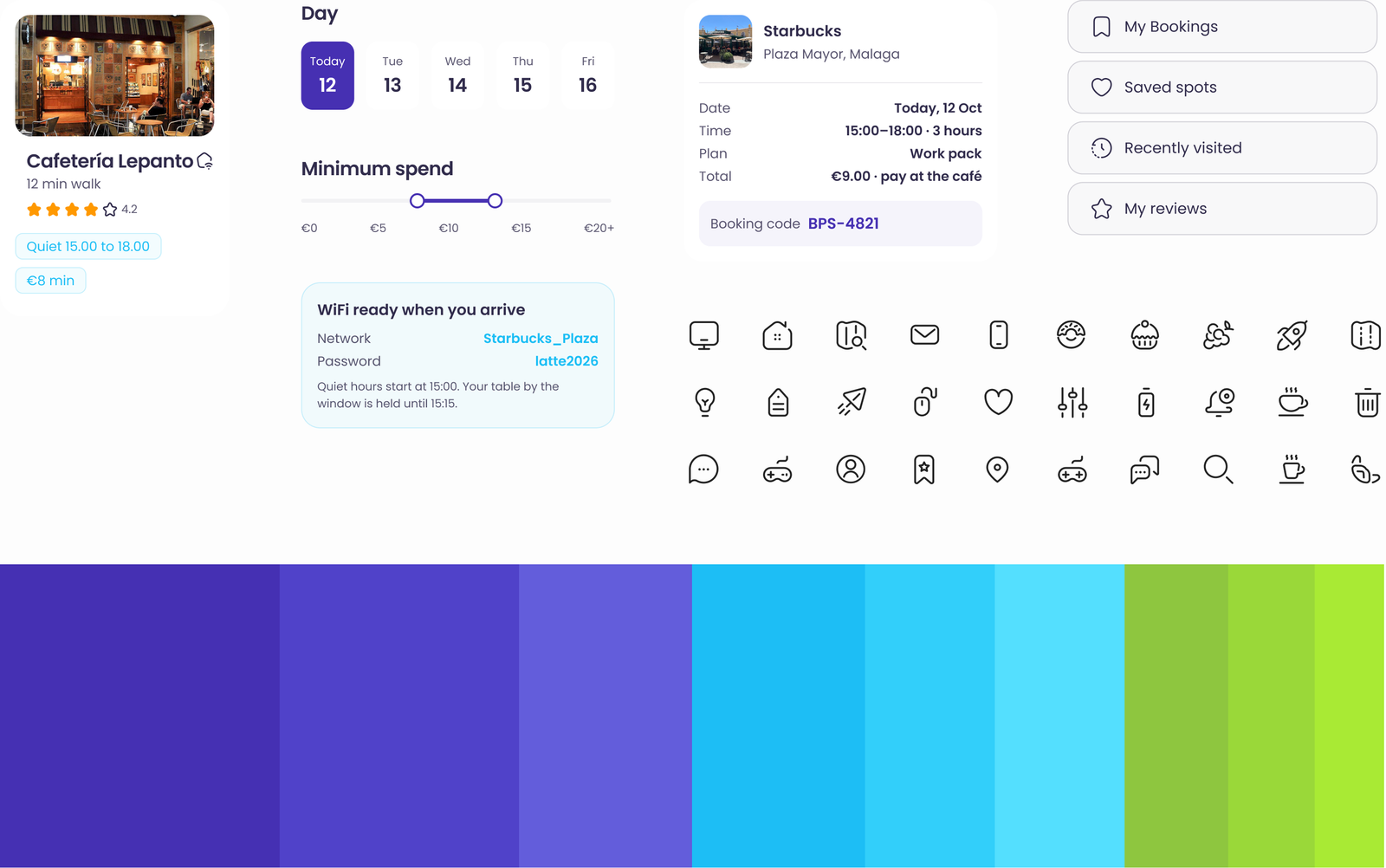
Components designed for quick decisions. The card shows the distance, the quiet hours and the minimum spend. The day chips and the spend slider fine-tune the search. The booking ticket and the wifi card close the flow. Everything comes from the same system: 30 custom icons, a palette that runs from violet to lime, and typography set up as Figma variables.

What’s included
User research
Business analysis
Information architecture
Wireframes and prototype
Design system
Full app design (modes)
Iconography (30 icons)
Typography variables
Stationery and merch